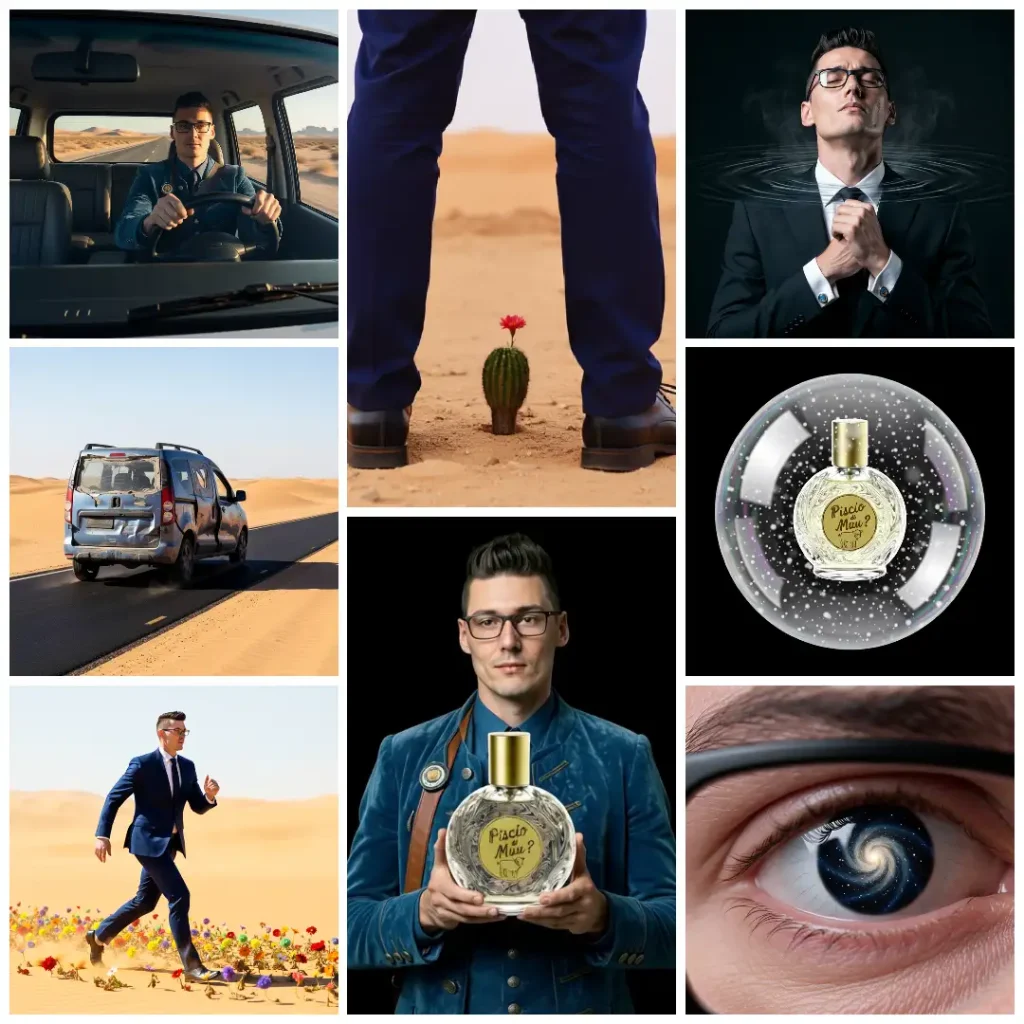
Again, not a tutorial, a note about how cool this stuff it. I’ve already made an AI ad (see my Pea Pea Soda ad ) using paid AIs. Now this time this is done exclusively with local models running in ComfyUI, with the exception of the YouTube thumbnail. You can run all of this on your local machine, given you have enough VRAM, but for simplicity and speed I used their exorbitantly expensive cloud RTX 6000 Pro, using only basic templates. I found out that most of the time tidy and clear workflows works way better than huge complex messes of spaghetti code.
The idea is memeing about stuff. The product now is a perfume made from my piss.
The face used is mine, feeding my LinkedIn profile pic to Flux 9B to recreate a character that looks like me. “Let us make Muu? in our image, in our likeness“, Genesis 1,26. We are playing god here, creating something that looks like myself, but it’s not quite myself. Considering my first deepfake took like two days of gpu training using deepfacelab, having a model that does 95% of similarity in mere seconds is awesome.
Why the LinkedIn pic? Because it’s already online and while it’s a single image it’s surely in all the current models datasets. I know it does sound bleak but we can’t escape that.
Now for the video part I have used LTX 2.3, always feeding the Flux image as starting point, creating 4 to 6 seconds videos. LTX prefers the prompt to be a whole epic, but sometimes reusing the flux prompt with the requested motion and audio added was the right choice to get a decent video.
For the audio part, here we are a bit of hit and miss. The last clip where the beautiful actor is talking comes straight from LTX’s generation. In most clips I had to remove the random music or background noises or speech it added unprompted and for no reason. For the car engine I used Sound-AI-SFX on HuggingFace. The music is done using Ace Step v1.5.
The video was roughly added together with OpenShot video editor, I say roughly because I only used it to stitch and to add/remove audio tracks, no equalization, no color grading. It’s a meme, not a professional shot and I have no actual skills to make it look like a professional work.
For the idiot youtuber thumbnail I found a template that used Google’s Nano Banana 2, the only paid tool in the bunch, not really necessary for the thumbnail, but I was worth a try.
In a world where everything moves so fast, your beloved Muu? goes the other direction, “no more instant interaction”, says the dude who posts once or twice a year.
Truth to be told, my WordPress installation was compromised, hacked or a plugin went rogue, I do not care what the reason was. But I got a mail from my hosting that I had too many connections, the log linked basically all my WP files, and my blog connections were limited. This happened months ago, I didn’t have the time to care, but this also caused my install to stop auto updating, my Askimet to filter spam, ecc. I put it into maintenance mode for a couple months and now I have decided to convert it to static. I’m not fond of the actual options, WordPress is free but every other plugin is not, I settled for the free version of Simply Static while I decide what my future options are.
Going static will cause the site to be safer and faster but I will lose some functionality like no comments and no working contact form, but I do not get nor do I search for a lot of engagement, LNDM? was born as and it’s still a personal online notepad.
Another kinda NSFW post, at least the audio on the video is.
I don’t know how a sane person could keep up with all this stuff. AI Video generation is now almost mature, I couldn’t have imagined a progress this fast.
I didn’t bother with hundred of generations, I stopped with the decent enough stuff and in a few hours this is the final result:
You can watch it on Youtube, if you prefer: Click this link!
As bonus:
This post will not be an exact guide, mostly a collection of what happened in my mind, tips and steps it took to make this fake ad.
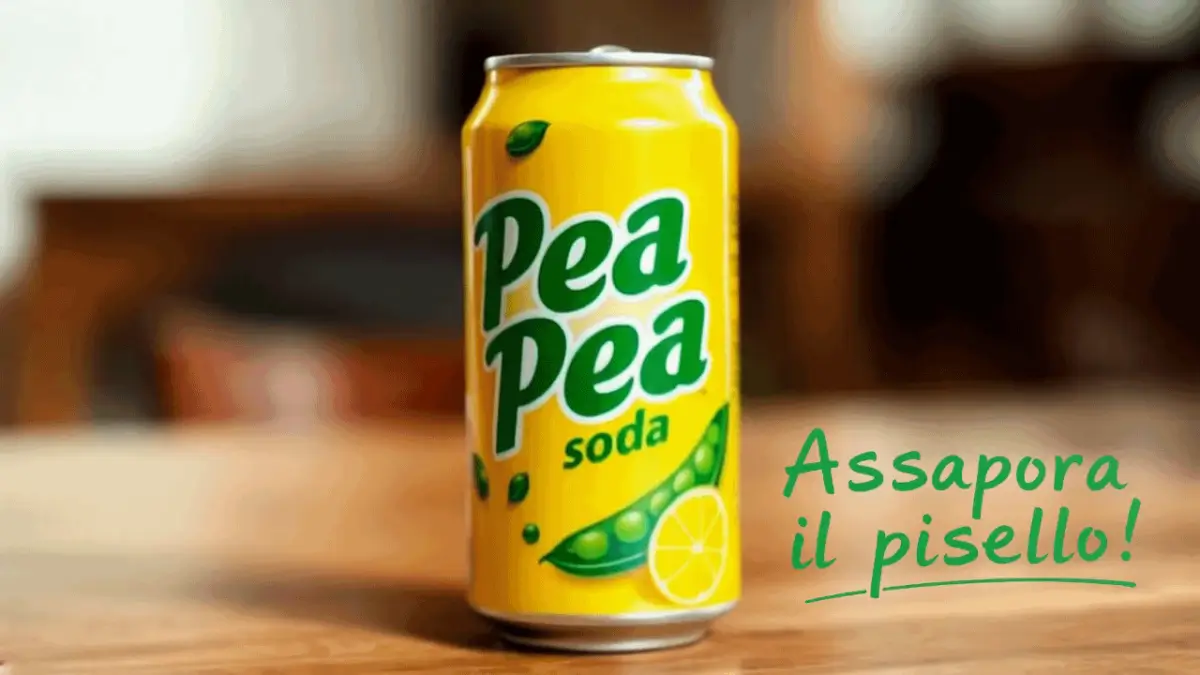
I wanted to try AI video gen, but I needed a project and my reader know I love meme projects. My starting idea in this case was the Taste the peaness meme, the double entendre is great. Once I realized I could make a beverage called Pea Pea and use “Taste the peaness” as slogan, it became overfilled with double entendres that worked in English and Italian, too. I know explained jokes stop being fun, but not all my readers know Italian and Italians ranks among the worst in Europe for English knowledge. “PeePee” is an English word for “penis” and “urine”. “Pipì” is the Italian word for “urine”. “Peaness” sound pretty much like “penis” and “Taste the peaness!” is the euphemism that started this post. “Pisello” is the Italian word for “pea”, but it’s also used for “penis”. “Taste the peaness” can translate to “Assaggia/Assapora il pisello” and can hold the same double meaning in both languages.
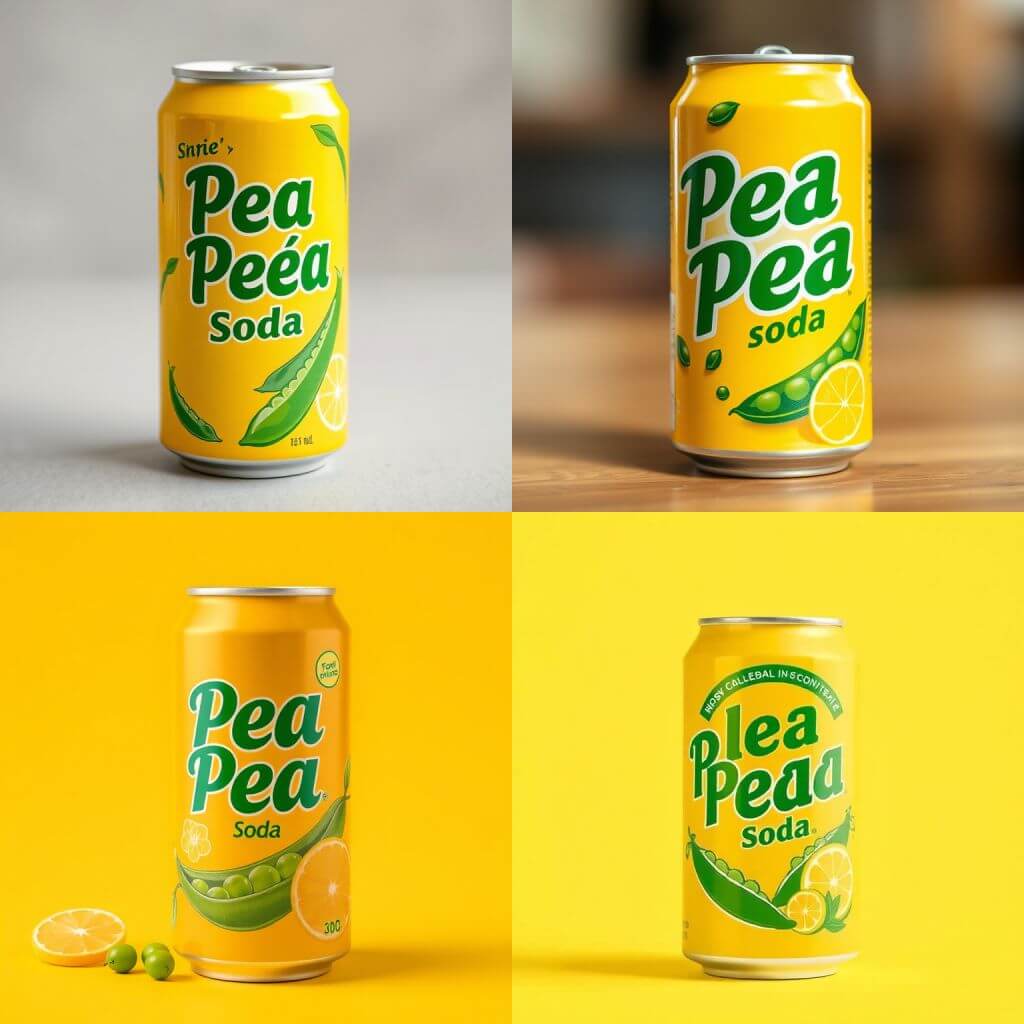
I started imaging a wine bottle with piss, a jug, etc. In the end I settled for a soda can called Pea Pea Soda.
Flux is a great image model for understanding what I want to do. A prompt as simple as a “A soda can ad shot. The soda brand is Pea Pea Soda” is enough to get the desired result. Image generation AIs are not text AIs, misspelling is common but overall Flux is great with text, lots of generations nail the text.
Now for the video part, there were a few options local and online. Besides a few product shots, ads are often random nonsense. For local generation I was looking into HunYuan, again from the Chinese tech Alibaba, but at the time of writing it does not have any image to video support for the product shots. I tried using it for random shots, it was good at understanding the prompt but not so great in execution. For example hands, hardest part for any AI, were total garbage.

I took one of the worst examples but “Close up shot of an hand opening a soda can” is completely unusable. And to be fair no other AI model got this right.
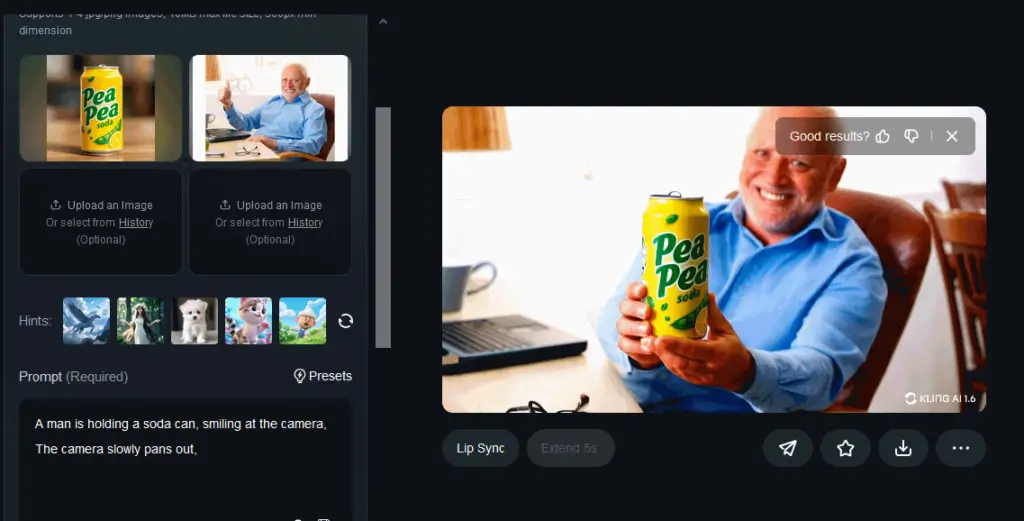
End the end decided for KlingAI, which is paid but has a few free credits, it does have a new feature called Elements where you put multiple images and you get a video combining images and your prompt. It’s cool it works like magic, or at least for an idiot like me it does look like actual magic.
You can see in the bonus video above the end result of this feature.
I liked this feature so much that I decided that the right workflow was: Generate a Flux image and then use KlingAI to animate that. It worked great: Flux gave me all the random nonsense I asked for and Kling had no troubles adding an animation to that. A soda pouring, people smiling, people dancing in a yellowish rain, a clown holding a glass of soda, a camera pan out. As you saw, I ended up with an handful of good enough videos, a few common errors, like hands flickering or the soda being in the glass before actually pouring. Harold video is great in artefacts: there’s hands flicker, oddly shaped reading glasses, a mug/vase/coat hanger/lamp thing that appear out of nowhere. But until you read this part you didn’t see it and you had to scroll back, didn’t you?
The “Assapora il pisello” writing at the end is a simple edit to make with any graphics or video editor, but I ended up asking Flux to make an underline handwritten text and it was great. It was green text on white background and I had to remove the white background. I probably spent more time doing it this way, but using AI was the point.
For the product name and the Italian translation “Assapora il pisello” any modern text to speech program would have worked, I used Eleven Labs, found a deep Italian voice and that’s it. The ad to be an ad needed a short tune or jingle, in this case I used Suno. The prompt was a simple “80s 90s ad jingle” with the lyrics being only “Taste the peaness!”. I cut it in Audacity and added a fade in at the start, oh god, a manual edit on AI stuff, what kind of monster am I?
For putting together the video clip we don’t currently have an AI enabled video editor. Given the speed of this kind shit comes out lately, we could have one next month. I had to do it the old and hard way but I wasted maybe 10 minutes in OpenShot to sort the clips and add the audio and the result is what you saw at the start of the post.